Unlock Your Creativity: Crafting Aesthetic Wallpapers for Free
In today’s digital world, our devices are extensions of ourselves. What better way to express your unique style than with a personalized aesthetic wallpaper? Gone are the days when you had to settle for generic options or pay a premium for custom designs. With a wealth of free tools and resources at your fingertips, creating beautiful, eye-catching wallpapers has never been easier. Whether you’re looking to refresh your phone's look, find the perfect backdrop for your desktop, or just experiment with digital art, this guide will walk you through the process of making aesthetic wallpaper for free.
We’ll explore user-friendly online editors, powerful (yet free) design software, and how to leverage existing images to craft something truly special. Get ready to dive into the world of digital aesthetics and transform your screens!
Section 1: Understanding Aesthetic Wallpaper
What Makes a Wallpaper Aesthetic?
The term “aesthetic” is subjective, but generally, it refers to a visually pleasing and harmonious composition. For wallpapers, this often involves:
- Color Palette: Cohesive and intentional use of colors, whether minimalist, vibrant, or mood-driven (e.g., pastel, neon, monochrome).
- Theme/Subject: A consistent visual theme, such as nature (nature scenes), abstract art, cartoons, foodie themes, or a specific mood like ‘cozy’ or ‘cyberpunk’.
- Composition: The arrangement of elements within the image, creating balance, focus, and visual interest. This could involve symmetry, leading lines, or a strong focal point.
- Texture & Detail: Subtle or prominent textures, gradients, or patterns that add depth and character.
- Minimalism vs. Maximalism: Aesthetics can range from clean, simple designs to rich, complex collages.
Why Create Your Own Aesthetic Wallpaper?
The benefits of DIY aesthetic wallpaper are numerous:
- Uniqueness: Stand out with a design that’s entirely yours.
- Personalization: Match your wallpaper to your current mood, favorite colors, or personal interests.
- Cost-Effectiveness: Save money by using free tools and resources.
- Skill Development: Learn basic design principles and software skills.
- Fun & Relaxation: The creative process can be a rewarding and enjoyable pastime.
Section 2: Free Tools for Aesthetic Wallpaper Creation
The cornerstone of making aesthetic wallpaper for free is utilizing the incredible array of accessible digital tools. These range from simple, browser-based editors to more robust software that offers professional-level features.
Online Design Editors: Canva & Adobe Express
For beginners and those seeking quick, stylish results, online editors are a godsend. They offer intuitive drag-and-drop interfaces, pre-made templates, and vast libraries of free assets.
Canva: The All-Rounder
Canva is arguably the most popular free online design tool. Its user-friendly interface makes it incredibly easy to create stunning visuals.
- Templates: Start with a pre-designed wallpaper template (search for “phone wallpaper” or “desktop wallpaper”) and customize it.
- Elements Library: Access millions of free photos, graphics, icons, shapes, and lines to build your design from scratch. Explore categories like patterns, textures, and abstract elements.
- Color Tools: Easily adjust color palettes, apply filters, and create gradients.
- Text Options: Choose from hundreds of fonts and experiment with text effects.
- Ease of Use: No prior design experience is needed.
How to use Canva for aesthetic wallpaper:
- Go to Canva.com and sign up for a free account.
- Search for “Desktop Wallpaper” or “Phone Wallpaper” templates.
- Select a template or a blank canvas.
- Use the search bar to find elements (photos, graphics, shapes) related to your desired aesthetic.
- Drag and drop elements onto your canvas. Resize, rotate, and layer them.
- Adjust colors using the color picker and explore the “Elements” tab for various textures and patterns.
- Add text if desired, choosing a font that complements your aesthetic.
- Download your creation as a PNG or JPG file.
Adobe Express: Powerful & Free
Adobe Express (formerly Adobe Spark) offers a powerful suite of tools for creating graphics, web pages, and short videos, including wallpapers. It shares many similarities with Canva but integrates seamlessly with other Adobe products if you use them.
- Template Library: Similar to Canva, it offers customizable templates.
- Stock Photos: Access a generous library of Adobe Stock free photos.
- Design Tools: Offers tools for adding text, shapes, and effects.
- Brand Tools (Free Tier): Basic brand color and font management can help maintain consistency.
How to use Adobe Express:
- Visit Adobe Express and log in or create a free account.
- Choose “Custom size” and enter the dimensions for your wallpaper (e.g., 1920×1080 pixels for desktop, or specific phone resolutions).
- Explore templates or start from scratch.
- Utilize the “Photos” and “Elements” sections to find graphics and backgrounds.
- Customize colors, fonts, and layouts.
- Download your finished wallpaper.
Desktop Software: GIMP & Photopea
For those who want more control and advanced features without the cost of professional software, GIMP and Photopea are excellent options.
GIMP (GNU Image Manipulation Program): The Open-Source Powerhouse
GIMP is a free, open-source raster graphics editor used for image retouching and editing, free-form drawing, converting between image formats, and more specialized tasks. It’s often considered the best free alternative to Adobe Photoshop.
- Advanced Tools: Layers, masks, filters, brushes, selection tools – GIMP offers a comprehensive toolkit.
- Customization: Highly customizable interface and plugin support.
- Steeper Learning Curve: Requires more time to learn than online editors but offers greater flexibility.
Getting started with GIMP:
- Download and install GIMP from gimp.org.
- Create a new image with the correct dimensions for your wallpaper.
- Use layers to build your design. Import images, add shapes, use brushes, and apply filters.
- Explore tutorials online for specific techniques (e.g., creating gradients, using masks, applying textures).
- Export your final image as JPG or PNG.
Photopea: Photoshop in Your Browser
Photopea is a free, web-based image editor that runs directly in your browser. It boasts an interface and feature set remarkably similar to Adobe Photoshop, making it accessible for those familiar with Adobe products.
- Photoshop-like Interface: Familiar layers, masks, adjustment layers, and tools.
- File Compatibility: Works with PSD, XCF, Sketch, XD, and more.
- No Installation Required: Accessible from any device with a web browser.
Using Photopea for aesthetic designs:
- Navigate to photopea.com in your browser.
- Create a new project with your desired wallpaper dimensions.
- Import images, graphics, or textures from your computer or stock photo sites.
- Utilize layers, blending modes, and adjustment layers to manipulate images and create unique effects. Think about creating a soft, dreamy aesthetic by adjusting colors and adding subtle textures.
- Experiment with filters and effects to achieve your desired look.
- Save your work as a JPG or PNG.
Section 3: Finding Free Resources for Your Aesthetic Wallpaper
While design tools provide the means, high-quality resources are the building blocks of your aesthetic wallpaper. Fortunately, the internet is brimming with free assets.
Free Stock Photo Websites
High-resolution, royalty-free images are essential. Look for photos that align with your chosen aesthetic.
- Unsplash: Known for its high-quality, artistic photography. Great for minimalist, nature, and lifestyle aesthetics.
- Pexels: Offers a vast collection of free stock photos and videos.
- Pixabay: Provides photos, illustrations, vectors, and videos.
Tip: Search for specific keywords related to your aesthetic (e.g., “minimalist background,” “dark academia texture,” “vibrant gradient,” “abstract pattern”).
Free Icon & Graphic Resources
Icons and vector graphics can add a unique touch to your design, especially for minimalist or illustrative aesthetics.
- Flaticon: Huge library of free icons (requires attribution or a premium subscription).
- Freepik: Offers a mix of free and premium vectors, photos, and PSD files (free content requires attribution).
- Vecteezy: Another good source for free vectors and graphics.
Color Palette Generators
Ensuring a cohesive color scheme is key to an aesthetic design. These tools help you create or find beautiful palettes.
- Coolors.co: Generate, explore, and save color palettes quickly.
- Adobe Color: Explore color trends, create palettes from images, and extract themes.
- Paletton.com: A classic tool for creating color combinations based on color theory.
Font Resources
If your wallpaper includes text, choosing the right font is crucial. Many sites offer free, aesthetically pleasing fonts.
- Google Fonts: A massive library of open-source fonts, easily integrated into web projects and usable in design software.
- Font Squirrel: Curates free fonts for commercial use, often with unique styles.
Section 4: Step-by-Step: Creating Your Aesthetic Wallpaper
Let’s put it all together. Here’s a general workflow for creating an aesthetic wallpaper using the tools and resources mentioned.
Step 1: Define Your Aesthetic
Before you start, decide on the vibe you want. Are you going for:
- Minimalist: Clean lines, simple color palette, negative space.
- Nature-Inspired: Landscapes, plants, natural textures (scenic views).
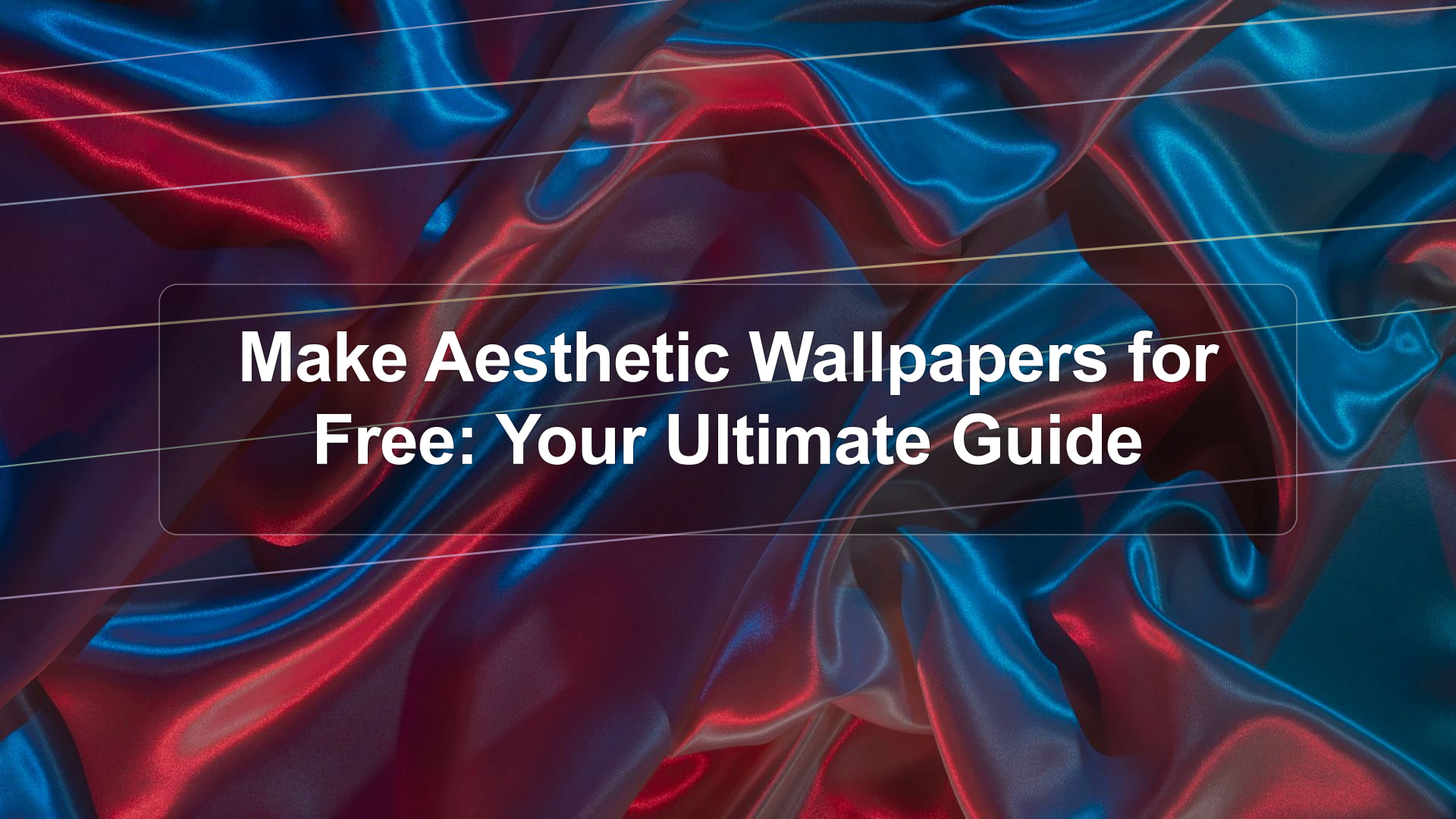
- Abstract: Geometric shapes, gradients, fluid forms.
- Retro/Vintage: Specific color schemes, textures, or imagery from past eras.
- Dark Academia/Cottagecore: Specific thematic elements and color palettes.
- Vibrant/Energetic: Bold colors, dynamic compositions.
Browse platforms like Pinterest or Instagram for inspiration using keywords like “aesthetic wallpaper,” “cool backgrounds,” or “aesthetic vibes.”
Step 2: Gather Your Assets
Based on your defined aesthetic, collect the necessary resources:
- Background Image: Find a base image from Unsplash, Pexels, or create one using gradients or textures in your chosen editor.
- Key Elements: Look for specific graphics, icons, or photos that fit your theme.
- Color Palette: Use a generator like Coolors.co to establish a consistent color scheme.
- Font (if needed): Select a font from Google Fonts or Font Squirrel.
Step 3: Choose Your Tool and Set Up
Open Canva, Adobe Express, GIMP, or Photopea. Create a new document with the correct dimensions for your target device (e.g., 3840×2160 for 4K desktop, or check your phone’s resolution online).
Step 4: Design and Assemble
This is where the magic happens!
- Layering: Start with your background. Add other elements on top, adjusting their size, position, and rotation.
- Color Adjustment: Use your chosen color palette. Apply color overlays, adjust hues, saturation, and brightness of different elements to ensure they harmonize.
- Effects & Filters: Experiment with blur, noise, gradients, or other filters to add depth and texture. Subtle effects often enhance an aesthetic rather than overpower it.
- Text: If adding text, ensure it’s legible against the background and complements the overall style.
- Composition: Pay attention to balance and visual flow. Does the eye move naturally through the image? Is there a clear focal point?
Step 5: Refine and Export
Take a step back and review your creation. Does it convey the aesthetic you intended? Make any necessary tweaks to colors, placement, or effects. Once you’re satisfied, export your wallpaper in a high-quality format like PNG or JPG. For high-resolution screens, consider exporting in 4K if possible.
Section 5: Aesthetic Wallpaper Ideas & Inspiration
Need a starting point? Here are some popular aesthetic wallpaper themes you can create for free:
Minimalist & Clean
- A simple gradient background in soft pastels or muted tones.
- A single, high-quality nature photo with lots of negative space.
- Geometric shapes arranged pleasingly on a plain background.
- A subtle texture (like paper or concrete) with a solid color overlay.
Nature & Outdoors
- A collage of different plant close-ups.
- A stunning landscape photo from Unsplash.
- Abstracted natural patterns (e.g., water ripples, wood grain).
- A silhouette of mountains or trees against a colorful sky.
Abstract & Artistic
- Fluid, swirling colors created with gradient tools.
- Sharp, geometric patterns with a bold color scheme.
- Digital glitch effects or distorted imagery.
- Textured backgrounds with subtle artistic brush strokes.
Themed Aesthetics (e.g., Tumblr-inspired)
- Soft, slightly desaturated colors.
- Often includes elements like film grain, celestial bodies, or cozy interiors.
- Can involve collages of vintage photos or illustrations.
Remember, the key is to combine these elements thoughtfully using your chosen free tools. Experimentation is encouraged!
Conclusion: Your Screen, Your Style
Creating aesthetic wallpaper for free is an accessible and rewarding creative endeavor. With powerful free tools like Canva, Adobe Express, GIMP, and Photopea, combined with a universe of free resources, your imagination is the only limit. Whether you prefer minimalist elegance, vibrant abstracts, or serene nature scenes, you can craft a background that perfectly reflects your personality and style. Dive in, experiment with different tools and techniques, and transform your digital spaces into personalized works of art. Happy designing!
Frequently Asked Questions
What are the best free tools to make aesthetic wallpaper?
For ease of use, Canva and Adobe Express are excellent online options. For more advanced control without cost, GIMP (desktop software) and Photopea (web-based) are powerful alternatives that mimic professional design software.
Where can I find free images for my wallpaper?
High-quality, free stock photo websites like Unsplash, Pexels, and Pixabay offer a vast selection of images suitable for wallpapers. Ensure you check the license, though most are royalty-free for personal use.
How do I ensure my wallpaper colors look aesthetic?
Use a color palette generator like Coolors.co or Adobe Color to find harmonious color combinations. Apply these colors consistently across your design elements, whether they are backgrounds, shapes, or text.
What are the ideal dimensions for a wallpaper?
For desktop, Full HD (1920×1080) or 4K (3840×2160) are common. For phones, resolutions vary greatly by model. It’s best to search for ‘[Your Phone Model] wallpaper resolution’ online and create a canvas matching those dimensions.
Can I use existing photos to create aesthetic wallpaper?
Absolutely! You can use your own photos or free stock photos as a base. Use editing tools like Canva or Photopea to adjust colors, add filters, overlay textures, or combine multiple images to achieve your desired aesthetic.
Is it difficult to learn these free design tools?
Online tools like Canva are designed for beginners and are very intuitive. Desktop software like GIMP has a steeper learning curve but offers extensive tutorials online. Photopea strikes a balance, being web-based with a familiar interface for those accustomed to Photoshop.
Looking for wallpapers wallpapers? Browse our hand-picked collection: wallpapers Wallpapers »