Finding the right source for your device’s background can be a frustrating exercise in navigating intrusive ads and low-resolution images. While many free wallpaper apps exist, the most efficient way to personalize your device is through a high-quality, web-based repository like bestwallpapers.net, which avoids the bloatware and privacy concerns associated with many mobile applications. By choosing a web-based gallery, you bypass the need for invasive app permissions while maintaining instant access to high-fidelity imagery.
Our wallpaper library is designed to provide you with seamless, high-resolution downloads that respect your device’s performance. Whether you are looking for mobile background inspiration or specific artistic themes, the platform ensures that your search is fast, secure, and free from the hidden costs of “freemium” app models. When you choose to download directly from the gallery, you are getting the original file without unnecessary compression or tracking.
The Hidden Dangers of Free Wallpaper Apps
Permissions and Privacy Concerns
Many free wallpaper apps on the Google Play Store or Apple App Store require excessive permissions. They often ask for access to your contacts, location, and even your microphone. These permissions are entirely unnecessary for a simple background-setting application. When you use this resource instead, you eliminate the risk of data harvesting. You simply browse, select, and save, keeping your personal data private.
The Bloatware Factor
Many popular apps are packed with video advertisements that consume your data and battery life. Beyond the ads, these apps often run background processes that can slow down your device. In contrast, this curated collection is optimized for web browsers, ensuring your phone stays snappy and responsive. By using a browser-based solution, you keep your storage space free for apps that actually require it, rather than wasting gigabytes on a wallpaper cache.
Explore Our Stunning 4K Wallpaper Collection →
Technical Considerations for Modern Displays
The Impact of AMOLED Technology
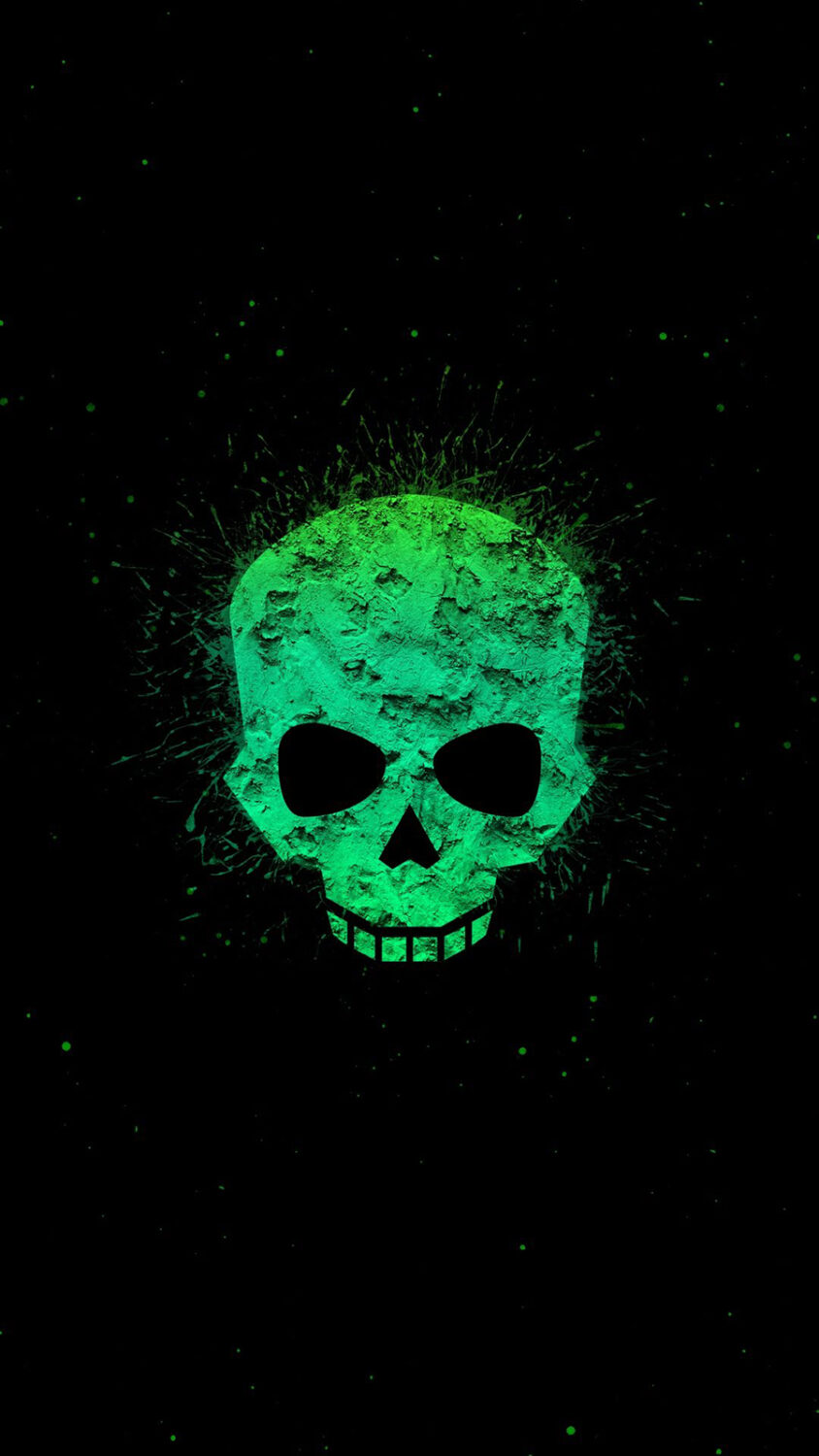
Understanding your device’s display is key to choosing the right background. Many modern smartphones use AMOLED panels, which display true black by turning off individual LEDs, effectively saving battery life when you use dark-themed images. If you have an OLED display, opting for high-contrast, dark-mode designs from our wallpaper library is a smart way to squeeze extra time out of your battery.
Color Depth and Refresh Rates
When you download high-quality images, consider how your screen handles color. Modern flagship displays often support the DCI-P3 color gamut, which covers significantly more of the visible color range than the older sRGB standard. According to DisplayMate, utilizing content that matches your screen’s native color profile prevents the “washed out” look that occurs when software tries to map colors incorrectly. Using high-definition assets from our platform ensures you get the full benefit of your phone’s color capabilities.
Navigating Categories for the Perfect Aesthetic
Minimalist vs. Intricate Designs
For users who prefer a clean look, we offer a wide range of geometric pattern backgrounds that don’t clutter your home screen icons. Conversely, if you want something that pops, our vibrant artistic category provides high-contrast imagery that looks sharp even on high PPI (pixels-per-inch) screens. A pixel density above 400 PPI makes individual pixels invisible at a typical 12-inch viewing distance, so ensure your downloads are at least 1080p or 1440p to maintain this sharpness.
Thematic Collections for Every Personality
Whether you are a fan of serene landscapes or futuristic cityscapes, this website organizes content so you spend less time scrolling and more time enjoying your device. We categorize images by mood, color palette, and resolution, making it easy to find exactly what you need without the “random shuffle” frustration found in many third-party apps.
Discover Unique and Cool Backgrounds →
Why Web-Based Galleries Beat Apps
No Automatic Compression
Many mobile apps automatically compress images to save their own server bandwidth. This results in “artifacts”—those ugly, blurry squares you see in gradients or dark areas. When you use bestwallpapers.net, you are downloading the file exactly as it was uploaded. This ensures that you get the full, crisp detail intended by the creator.
Cross-Device Consistency
If you use both an Apple smartphone and an Android tablet, you want a consistent look. Mobile apps are often platform-specific, meaning you have to find two different apps to keep your devices synced in style. Because our resource is browser-based, you can access the same high-quality images on any device, regardless of the operating system. Simply log in or bookmark your favorites to maintain a unified aesthetic across your digital ecosystem.
Optimizing Your Background Workflow
Managing Your Downloads
Instead of letting an app manage your gallery, we suggest creating a dedicated folder in your cloud storage. This keeps your images organized and easily accessible. By using this resource, you can curate your own collection, which is far more efficient than relying on an app’s “daily random” feature. You are in control of your digital space.
Battery and Data Efficiency
Apps that update your wallpaper automatically throughout the day can be a significant drain on your battery, as they must constantly poll the server for new data. By manually selecting your own backgrounds from our library, you control when and how your phone updates, keeping your battery usage predictable and low. This manual approach is the gold standard for power users who care about longevity.
Conclusion
Choosing the right way to customize your phone doesn’t have to be complicated. By moving away from bloated, ad-heavy apps and utilizing the high-resolution, secure, and organized gallery at Best Wallpapers, you ensure that your device remains fast, private, and visually stunning. Whether you are looking for specific resolutions or artistic styles, our platform provides the tools you need to make your phone truly yours. Stop downloading unnecessary software and start enjoying the best visuals the web has to offer.
Frequently Asked Questions
Are free wallpaper apps safe to use?
Many free wallpaper apps are safe, but some can be invasive, requesting unnecessary permissions like contact access or location data. Using a reputable website like bestwallpapers.net is a safer alternative because it does not require app permissions or data tracking.
Does downloading wallpapers from the web drain more battery than an app?
Actually, it is the opposite. Many wallpaper apps run background processes that consume battery. By downloading images directly from our library, you eliminate those background tasks, helping your battery last longer.
How can I ensure my wallpaper looks sharp?
Always ensure the image resolution matches or exceeds your screen’s native resolution. On our platform, we provide high-resolution files that maintain clarity on high-PPI displays, preventing the blurriness common in lower-quality mobile apps.
Are there specific wallpapers that save battery on my phone?
Yes, if your phone has an OLED or AMOLED display, using dark-themed or black wallpapers from our collection can save significant battery life, as these screens turn off individual pixels to display black.
Can I use the same wallpaper on different devices?
Absolutely. Because bestwallpapers.net is browser-based, you can visit the site on any phone, tablet, or desktop to download the same high-quality images, ensuring a consistent look across all your hardware.
Looking for Phone Wallpapers wallpapers?Browse our hand-picked Phone Wallpapers collection →